USCIS Photo Policy 2026: No More Self-Submitted Photos (What Changed)
By Elena Dev, Founder · June 30, 2026 · 6 min read
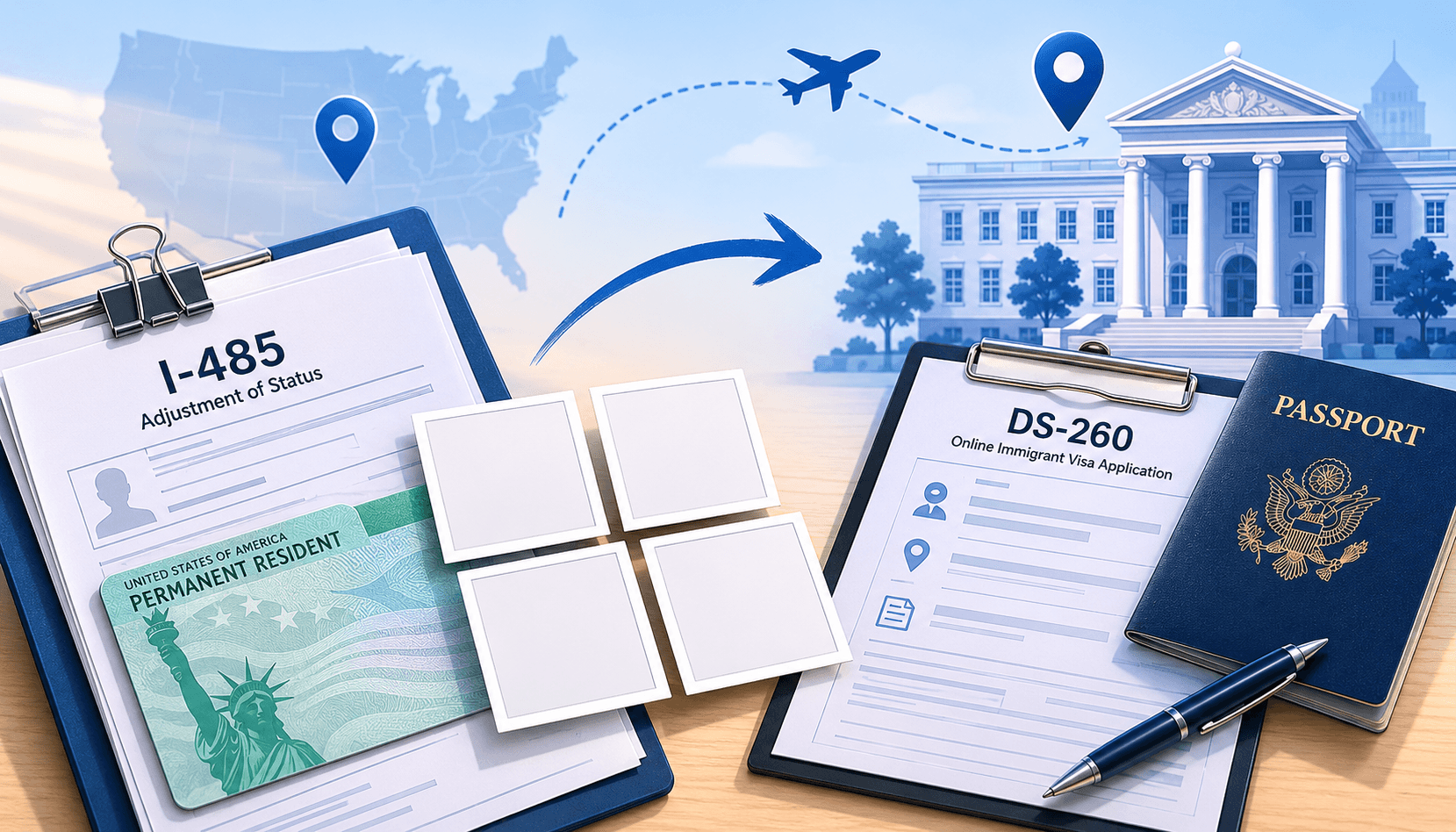
Effective December 12, 2025, USCIS stopped accepting photos submitted by applicants for most immigration benefit applications. If you are applying for a green card, naturalization, or employment authorization, you no longer send a photo with your paperwork. USCIS captures your photo in person at a Biometrics Services Appointment at an Application Support Center (ASC).
This change does not affect the DS-160 nonimmigrant visa application or the US passport application. Both are processed by the State Department, not USCIS, and both still require you to upload or submit your own compliant digital photo. If you are applying for a visa or passport, nothing changes for you.
What exactly changed at USCIS?
Before December 12, 2025, applicants filing forms like I-485 or N-400 included two passport-style photos in the envelope with their paper application. USCIS used those photos for identity records and the green card or naturalization certificate.
Under the new policy, USCIS no longer accepts these self-submitted photos. When USCIS schedules a Biometrics Services Appointment, staff at the ASC take your photo, fingerprints, and signature using their own equipment. That biometric capture replaces the applicant-submitted photo entirely.
USCIS stated the reason is fraud prevention: centralized photo capture makes it harder to submit someone else's photo or use altered images during the immigration process.
Which USCIS forms are affected?
The policy applies to any USCIS benefit form that previously required a self-submitted photo. The most commonly filed affected forms are:
- I-485 (Application to Register Permanent Residence / Adjustment of Status)
- N-400 (Application for Naturalization)
- I-765 (Application for Employment Authorization / EAD)
- I-131 (Application for Travel Document / Advance Parole)
- I-539 (Application to Extend or Change Nonimmigrant Status)
USCIS updated the form instructions for each affected form. Always check the current instructions at uscis.gov before filing, since the photo requirement line has been removed or modified.
What is NOT affected: DS-160, US passport, and State Dept applications
The USCIS photo policy change affects only USCIS. The State Department runs entirely separate processes and has not changed its photo requirements:
- DS-160 nonimmigrant visa application (B-1/B-2 tourist, F-1 student, H-1B, L-1, and others): still requires you to upload a digital photo during the online application. The 2x2 inch (600x600 px), white background, ICAO-compliant format applies. The IDPhotoSnap US visa photo tool generates a DS-160-ready file.
- US passport application (DS-11 for new, DS-82 for renewal): still requires a 2x2 inch passport photo submitted with the paper form or uploaded via the State Dept online renewal portal. No change.
- Global Entry enrollment (CBP / Trusted Traveler): photo is captured at the in-person enrollment appointment, similar to the new USCIS model. Not affected by the USCIS change.
Do I need to do anything differently when filing?
If you are filing an affected USCIS form after December 12, 2025: do not include photos in your mailing. The form instructions no longer ask for them, and including unsolicited photos does not help your case. USCIS will schedule a biometrics appointment separately.
If you are filing a DS-160, US passport, or other State Department application: prepare a compliant 2x2 inch photo as you always have. The requirements (white background, ICAO head geometry, no AI edits, taken within 6 months) remain the same.
For the DS-160 specifically, the photo must meet the 2026 State Department AI-photo rules: no AI-generated backgrounds, no face retouching, no beauty filters. Taking the photo against a real white wall and using a tool that only crops and resizes (rather than edits your face) keeps you compliant.
Why did USCIS make this change?
USCIS cited identity fraud prevention as the primary reason. Self-submitted photos could be altered or mismatched to the actual applicant. Capturing biometrics in person at an ASC, with staff present, eliminates that vulnerability. The change also aligns USCIS photo capture with how CBP handles Trusted Traveler enrollment and how many other countries already handle biometrics for residency and citizenship applications.
Frequently asked questions
Can I still submit my own photo to USCIS?
No, not for affected forms filed after December 12, 2025. USCIS captures your photo at the biometrics appointment. Do not include photos in your filing envelope.
Does this affect my DS-160 visa application?
No. The DS-160 is a State Department form and is not affected. You still upload your own photo during the DS-160 online form.
Does this affect US passport renewal?
No. US passport applications go through the State Department. The 2x2 inch photo requirement is unchanged.
What if I filed before December 12, 2025 and included photos?
If you filed before the cutoff date under the old instructions, USCIS will process your application under the rules that were in effect when you filed. USCIS has not indicated that old submissions with photos will be rejected or returned.
Related guides
F-1 OPT Summer 2026: You Can No Longer Submit Your Own Photo (Biometrics Guide)
Starting December 12, 2025, F-1 OPT and EAD applicants can no longer submit a self-taken photo with Form I-765. USCIS will photograph you at an ASC biometrics appointment. Summer 2026 is the first full OPT cycle under this rule. Here is what every international student needs to know before filing.
Are AI Passport Photos Banned in 2026? (Fact-Check)
Content farms claim a new AI passport photo ban in 2026. Fact-check: no new rule. What State Dept actually prohibits and allows.
Will an AI Background Tool Get Your US Passport Photo Rejected in 2026?
Since 1 January 2026 the US State Department rejects passport and visa photos with a digitally removed or replaced background. Here is what that means, why an honest tool tells you to use a real white wall, and exactly what you can still do digitally (crop and resize).
How to Take a Passport Photo at Home (Step-by-Step Guide)
Save $15 - 20 by taking your own passport photo at home. Here is exactly how to do it right - background, lighting, pose, and common mistakes to avoid.
About the Author
Elena Dev, Founder of IDPhotoSnap
Elena Dev is the sole operator of IDPhotoSnap. Her work involves auditing the official photo specifications of 100+ countries against issuing-authority sources (embassies, government portals, ICAO 9303) and translating those rules into a browser-only tool that runs entirely on the user's device. The full 276-format specification dataset is published as MIT open data on GitHub. Source verification methodology and corrections policy are documented on the editorial standards page. Every article is written and reviewed by Elena Dev. Corrections: elena@idphotosnap.com.
Found this useful? Public reviews are how new readers discover IDPhotoSnap. Leave a quick Trustpilot review →