Why Was My Passport Photo Rejected? Top 10 Reasons (2026)
By Elena Dev, Founder · May 1, 2026 · 7 min read
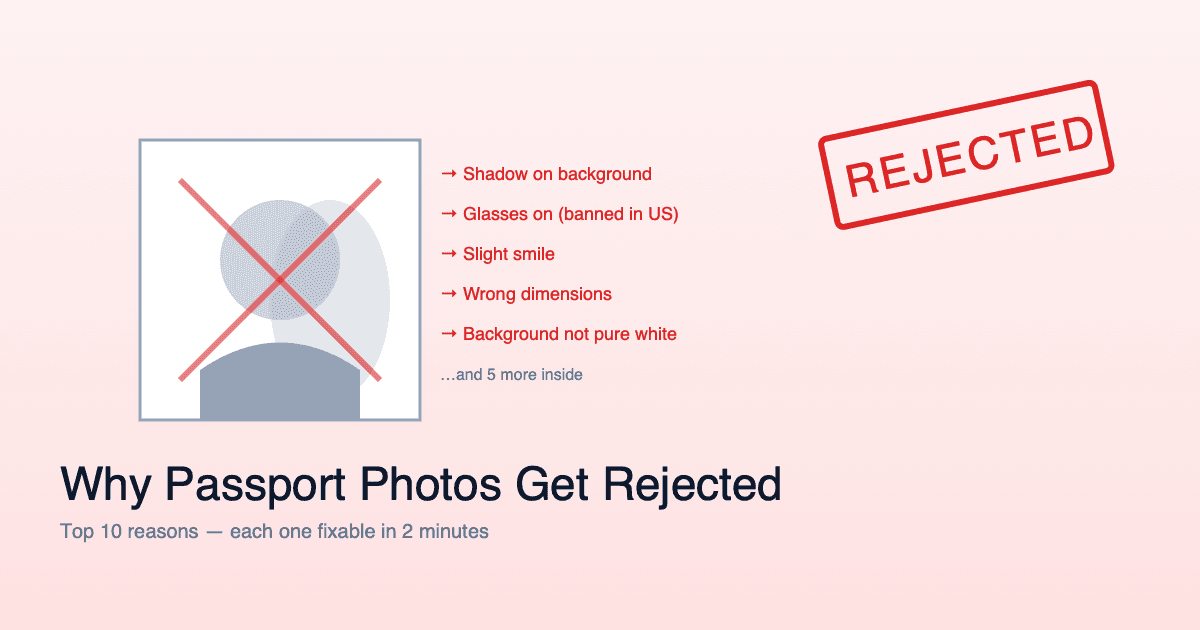
A rejected passport photo is the most preventable delay in any application. Government rejection letters rarely tell you exactly what was wrong - just that it failed. This guide goes through the ten reasons that account for almost all rejections, in order of how often they happen.
Watch: the 5 reasons photos get rejected in 2026, and the free fix (2 min)
1. Shadows on the background
This is the #1 cause of rejection by a wide margin. When you stand close to a wall, your body casts a shadow on it. To a biometric system, that shadow looks like a non-uniform background, which is grounds for automatic rejection.
The fix: Stand 2-3 feet away from the wall. Use a side light source if needed. The background should be uniform white or off-white in every pixel.
How to check: Open the photo, look at the four corners of the background. They should be the same color. If the side closest to you is darker, you have shadow.
2. Wrong dimensions or face size
Each country has specific dimensions. Submitting a 2×2 inch US format photo for a UK application will fail - the UK requires 35×45mm, and the face must occupy a different percentage of the frame.
The fix: Crop to the exact specs of your destination country. Don't approximate. The image processing tools that handle this automatically are free and take 10 seconds.
Quick reference:
- US: 51×51mm, face 50-69%
- UK: 35×45mm, face 50-75%
- Schengen / EU: 35×45mm, face 70-80%
- Canada: 50×70mm, chin-to-crown 31-36mm
- India: 51×51mm, face 70-80%
3. The face is not centered
The face needs to be centered horizontally and at the correct vertical position. Most countries want the eyes at roughly 56-65% from the bottom of the photo. A photo where you're slightly off to one side, or where the chin is too close to the bottom edge, gets rejected even if everything else is perfect.
The fix: When shooting, place the camera at exact eye level (not above, not below). When cropping, use a tool that auto-centers based on detected eyes.
4. Smiling, frowning, or an open mouth
Almost all countries require a neutral expression with mouth closed. The US, Canada, India, China, EU, Japan, Australia all reject smiling photos. The UK technically allows a slight natural smile - but a wide or toothy smile will still be rejected.
The fix: Take 5-10 shots. Pick the one where your mouth is closed and your face looks relaxed. See the full country-by-country breakdown.
5. Eyes not visible
Eyes must be wide open (not blinking), looking directly at the camera, not covered by hair, eyelashes, or glasses frames, and not obscured by glare on glasses.
The fix: Glasses off. Hair pulled back from the face. Eyes deliberately wide open at the moment of the shot.
6. Glare on glasses (or glasses still on)
The US banned glasses in passport photos in November 2016. The UK followed. Most of Europe and Asia have similar rules now. If you wore glasses anyway, glare on the lenses, frames blocking eyes, or any reflection in the lens will cause rejection.
The fix: Remove glasses for the photo. If you have a medical exemption, get a doctor's letter and submit it with the application.
7. Wrong background color
Most countries require white or off-white. Even within white requirements, a slightly cream wall will sometimes get flagged. Pure white is safest. Notable exceptions include Finland (light grey) and historically Indonesia (red, currently moving to white).
The fix: If your background is even slightly off, use a free background removal tool to replace it with pure white before submitting.
8. Photo is too dark, too bright, or has color cast
Biometric algorithms need clearly defined facial features. Both extremes prevent that. Common signs: facial features merge into shadow (too dark), skin looks washed out (too bright), or the photo has an orange tint (warm indoor lighting) or blue tint (mixed daylight).
The fix: Shoot in even daylight (large window, soft natural light, no direct sun). Avoid mixing daylight with yellow indoor lamps.
9. Image quality is too low
Modern submissions need at least 600×600 pixels (for a 2×2 inch print at 300 DPI), sharp focus, no motion blur, no visible noise or grain, and no JPEG compression artifacts. A photo from any iPhone or Android phone in the last 5 years easily meets the resolution requirement - the issue is usually motion blur.
The fix: Use a tripod or stable surface. Save the final file at high quality (JPEG quality 90+ if you have to compress).
10. Wrong file format or size for upload
If your application is online, the rejection might happen before a human ever sees the photo. Common issues: wrong file format (HEIC instead of JPEG), file too large (over 240KB or 1MB depending on system), file too small (under 50KB suggests low quality), or wrong color profile (CMYK instead of sRGB).
The fix: Export the final photo as JPEG, sRGB, with quality high enough to meet the system's lower bound but compressed enough to fit the upper bound. Most online applications give a target file size - meet it exactly.
How to verify your photo before submitting
Run this checklist before you submit anything:
- Background is pure white (no shadow, no texture, no color tint)
- Face fills the correct percentage of the frame for your country
- Eyes open, looking at camera, not covered
- Mouth closed, neutral expression
- No glasses (or medical exemption letter ready)
- Shoulders square, head not tilted
- No hat, no headband (religious exceptions allowed)
- Hair not over face
- Image is sharp, not blurry
- Dimensions match country spec
- File format is JPEG, sRGB color profile
- File size within the system's range
If all 12 boxes are checked, your rejection rate is below 5%.
What to do if your photo was already rejected
- Read the rejection notice carefully. Many notices include a numeric error code - match it to the issue above.
- Don't retake the photo at the same place. If you used a CVS kiosk that produced a rejection, don't go back - try a different setup.
- Take it at home with this guide: How to take a passport photo with iPhone.
- Use a country-specific tool to crop. Don't manually estimate dimensions. IDPhotoSnap handles exact specs for 100+ countries.
A rejected passport photo wastes 1-3 weeks. The setup that prevents it takes 10 minutes. The math is overwhelming in favor of doing it right the first time.
Related guides
iPhone Passport Photo 2026 (5-Minute Setup, Won't Get Rejected)
Take a consulate-compliant passport photo with your iPhone in 5 minutes. Lighting setup, camera settings, head positioning, and the 4 mistakes that cause 80% of rejections.
Can You Smile in a Passport Photo?
The short answer is: it depends on the country. Here is a detailed breakdown of which countries allow smiling and which require a neutral expression.
Why Passport Photos Need a White Background (2026 Rules)
Why white? Which countries are exceptions (Finland: grey, Indonesia: red)? And how to fix your background for free before your application.
US Passport Photo Requirements 2026 (Complete Guide)
Every official US passport photo requirement for 2026: size, background, head size, expression, and State Department specifications.
USCIS Pivot May 2026: I-485 to Consular DS-260 + Visa Photo
USCIS shifted I-485 Green Card filers to consular DS-260 in May 2026. Who is affected, what the policy says, and the 2x2 inch visa photo spec.
Privacy-First Passport Photo: Browser-Only vs Server (2026)
Three privacy-first architectures: server unencrypted, encrypted, browser-only. Only browser-only removes the provider from the chain.
How to Print a Passport Photo at Home (Under $1 at Lab)
Download a print-ready PDF with 6 photos per A4. Step-by-step guide for home printing and photo labs. Save $10 - 20 vs pharmacy kiosks.
About the Author
Elena Dev, Founder of IDPhotoSnap
Elena Dev is the sole operator of IDPhotoSnap. Her work involves auditing the official photo specifications of 100+ countries against issuing-authority sources (embassies, government portals, ICAO 9303) and translating those rules into a browser-only tool that runs entirely on the user's device. The full 276-format specification dataset is published as MIT open data on GitHub. Source verification methodology and corrections policy are documented on the editorial standards page. Every article is written and reviewed by Elena Dev. Corrections: elena@idphotosnap.com.
Found this useful? Public reviews are how new readers discover IDPhotoSnap. Leave a quick Trustpilot review →